
 ManilaUrban training and coordination hub
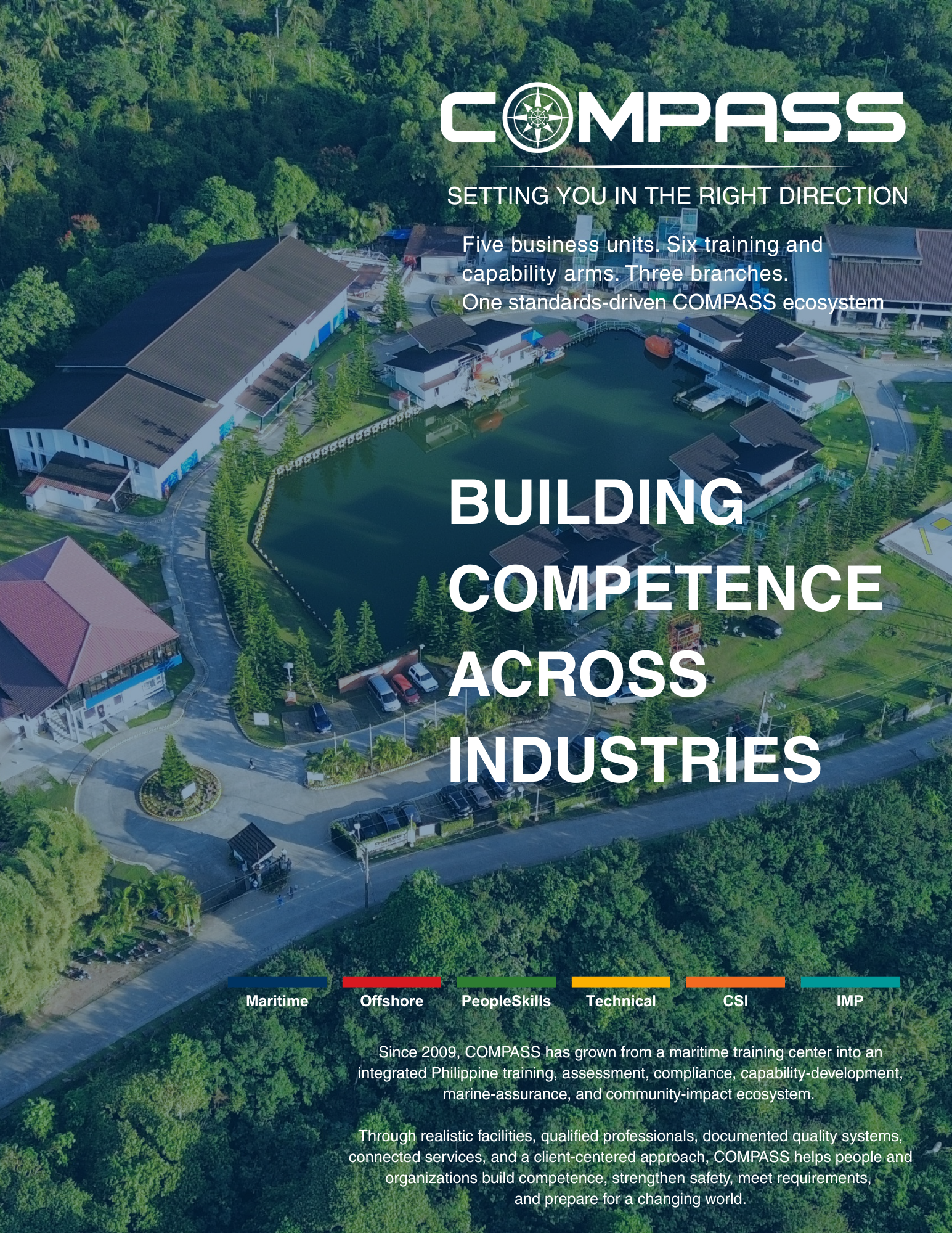 ManilaUrban training and coordination hub
 SilangPractical training campus
 IloiloRegional access in the Visayas
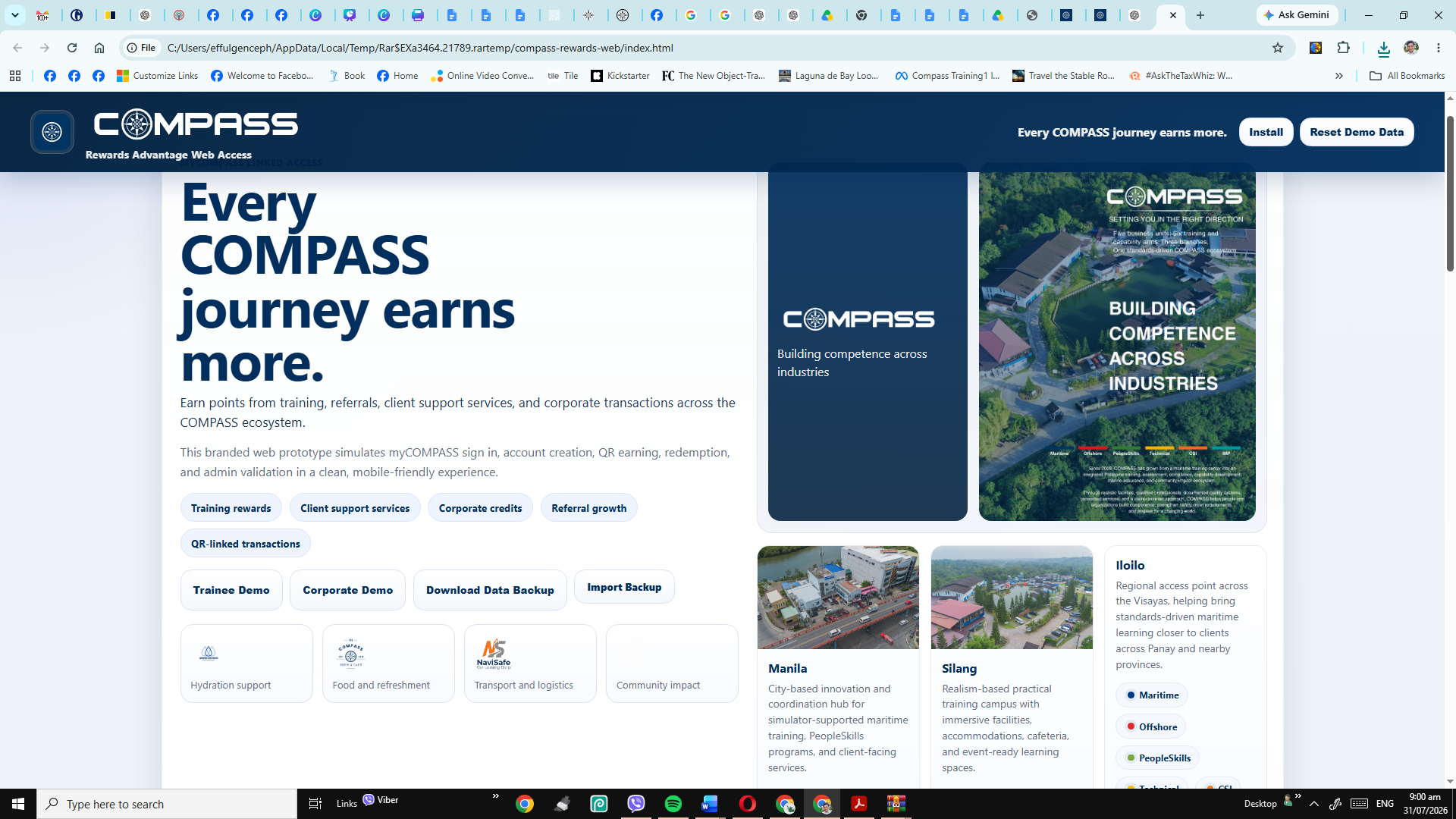 FoundationGiving and impact redemptions
How it works
Verified activity, clear balances, controlled redemption.
Create a verified account
Register as an individual trainee or corporate account using email verification.
Use your member QR
Present a tokenized QR for lookup without exposing full personal data.
Earn after validation
Points or corporate credits are credited only after payment and transaction validation.
Redeem rewards
Use points for training vouchers, merchandise, food, transport, promos, and Foundation giving.
Featured rewards
Sample rewards users can work toward.
Show the value of earning before users create an account. Redemption still requires a verified account and approved availability.
COMPASS e-Wallet concept
Top up once, pay faster across COMPASS services.
A wallet ledger can support prepaid training payments, service purchases, and faster checkout once Finance and payment gateway rules are approved.
Top up
Choose an amount, generate a unique reference, and pay through an approved payment channel.
Confirm
Payment gateway or Finance confirms the top-up before the wallet balance changes.
Pay
Use the wallet balance for eligible training and client support service transactions.
Earn
Validated wallet payments can still earn rewards points using approved earning rules.
Earn Points
Designed around verified COMPASS activity.
Points and credits should be issued only from validated records and approved earning rules.
Rewards Catalog
Training, service, merchandise, and partner-style benefits.
These sample rewards show the points needed to claim each benefit. Final availability depends on Finance approval, inventory, campaign mechanics, and account eligibility.
Promos
Featured COMPASS offers and campaign mechanics.
Marketing can publish training promos, raffle entries, seasonal campaigns, and partner-style benefits here.
Partners
Built first around the COMPASS ecosystem.
Internal COMPASS units and support brands come first. External partners can be added after approved agreements.
Stories
Campaigns, client stories, safety features, and learning updates.
This gives Rewards a content layer without mixing marketing content into account management screens.
System Demo
See how COMPASS Rewards works before using the live app.
This live page shows the user journey without exposing demo accounts inside the actual login area.
Earn, scan, redeem
Create an account, verify email, show your member QR, earn points after validated training or service purchases, and redeem vouchers or merchandise.
- Member QR
- Transaction history
- Training voucher redemption
- Voucher QR after redemption
Credits and account relationship benefits
Corporate clients can track credits, held credits, payment status, batch training transactions, authorized users, and rewards eligibility.
- Corporate QR
- Credits ledger
- Payment reliability status
- ERP integration queue
Tokenized QR, not full personal data
QR payloads should carry only client ID, token, transaction reference, branch, business unit, and transaction status.
Top-up, confirm, pay
Users request a top-up, receive a unique reference, and use confirmed wallet balance for eligible COMPASS payments.
Need a separate sandbox demo?
The live app keeps demo access separate from real users. Use the sandbox demo page only for presentations and internal testing.
Open separate demo review pageHelp Center
How can we help?
Search account, rewards, QR, corporate, and privacy topics.
Rewards account
Use one verified account for your COMPASS rewards journey.
Email verification is included for pilot use. Production can connect this to myCOMPASS or ERP identity services.
Login
For testing, use the separate demo review page. The live app does not show demo account buttons to end users.
Create verified account
Verify your account
Enter the email code sent to the registered email address. Check Inbox and Spam. Pilot builds may display the code if email delivery is not confirmed.
My Account
Welcome
Membership number:
Membership type:
Branch:
Available balance
0
Account snapshot
Recent activity
Recommended rewards
Member QR
Secure account token
Transaction QR
Generate transaction payload
Transactions
Activity ledger
COMPASS e-Wallet
Wallet balance
PHP 0Use confirmed wallet balance for eligible training and client support service payments.
Top up
Create top-up request
Top-up requests remain pending until confirmed by the payment gateway or Finance.
Pay with wallet
Sample wallet payment
Wallet ledger
Top-ups and payments
Rewards
Redeem rewards
Vouchers
Issued vouchers and redemption references
Profile
Update account
Preferences
Personalization and communications
Production should persist granular consent in the ERP or privacy management module.
System Management
Accounts
Admin / POS Scanner
Process scan
Wallet Admin
Confirm top-up
In production, this should be automated by the approved payment gateway or Finance validation.
ERP Queue